Step 1: View your Dashboard Go to help.com, log in, and click the Dashboard button (top right).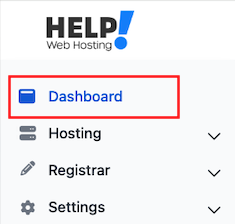
Step 2: View Your Domains On navigation bar, look for the Registrar section, then click Manage Domains.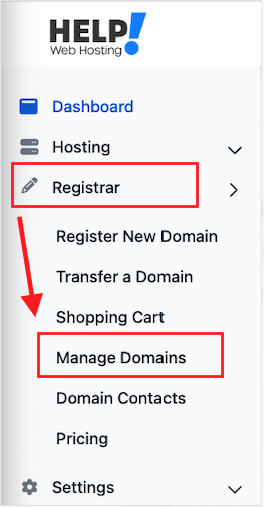
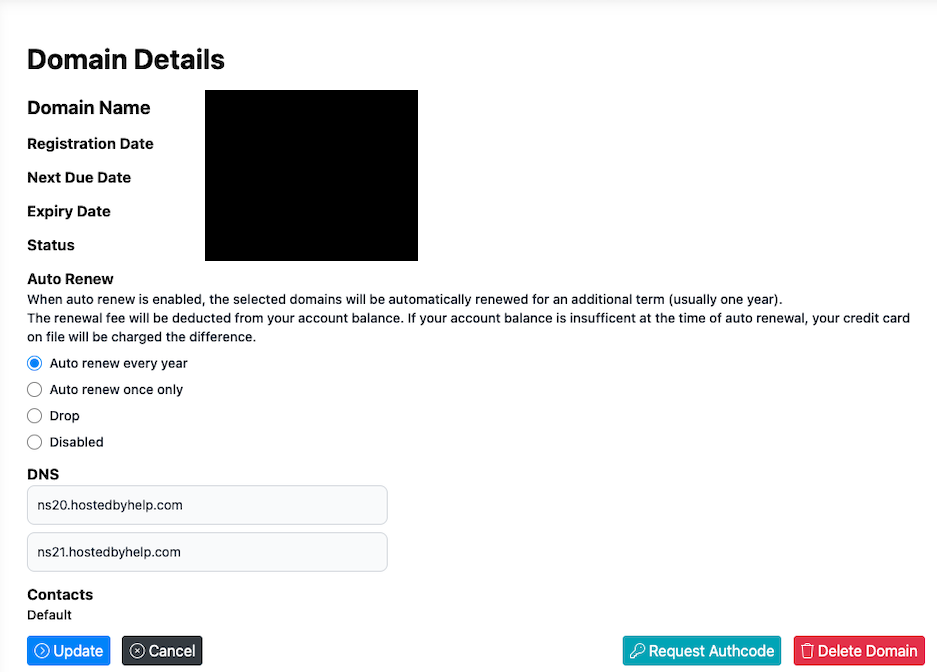
Step 3: Advanced Domain Options On the Manage domains page, select the domain you wish to look at or change.
From here you can change any of the following.
- Renew the domain
- Turn auto-renew on/off
- Enable/disable domain privacy
- Set/unset domain lock
- View and edit DNS records
Step 4: View Your Hosting On navigation bar, look for the Hosting section, then click Hosting Dashboard.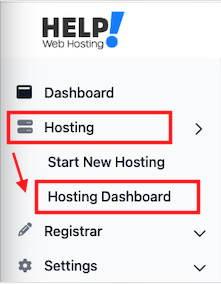
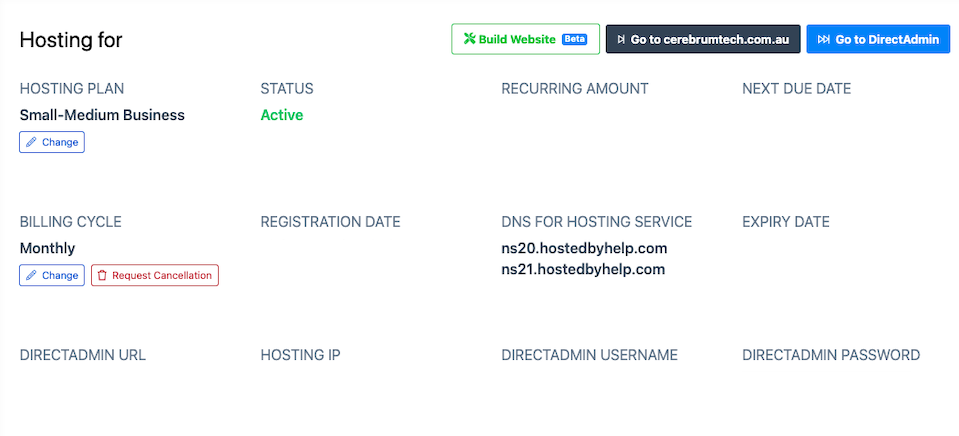
Step 5: Web Hosting Management Click any domain name to open its details page. Here you can:
- Change hosting plan
- Adjust billing cycle
- Request cancellation
- Access DirectAdmin (and view login credentials)